









⭐ Today’s China AI Native Industry Insights include: 1. GLM-5.1 Open Source: The Most Advanced 8-Hour Autonomous AI Model 2. PixVerse C1 Launches as the First AI-Powered Video Production Model 3. Coze 2.5 Launches with New Agent World Features 4. VoxCPM 2 Transforms Show more


Video Models
PixVerse C1 Film Production AI Video Generator
Create professional film-grade videos with PixVerse C1. Featuring reference-guided generation for character consistency across shots, 20+ cinematic camera controls, native audio-visual output, industrial-grade action choreography, and VFX — all up to 1080p at 15 seconds.
/modelsPublic
Generate Audio
PixVerse Model Series
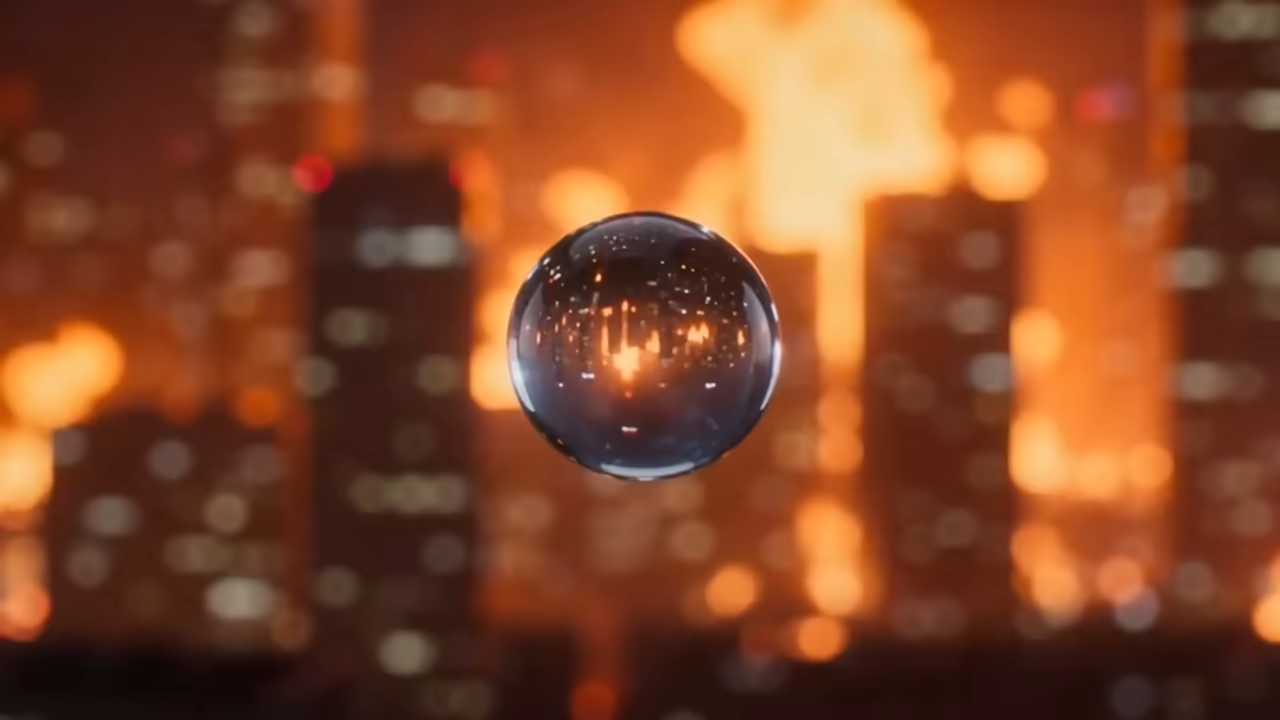
PixVerse v6
Latest PixVerse model with cutting-edge video generation capabilities
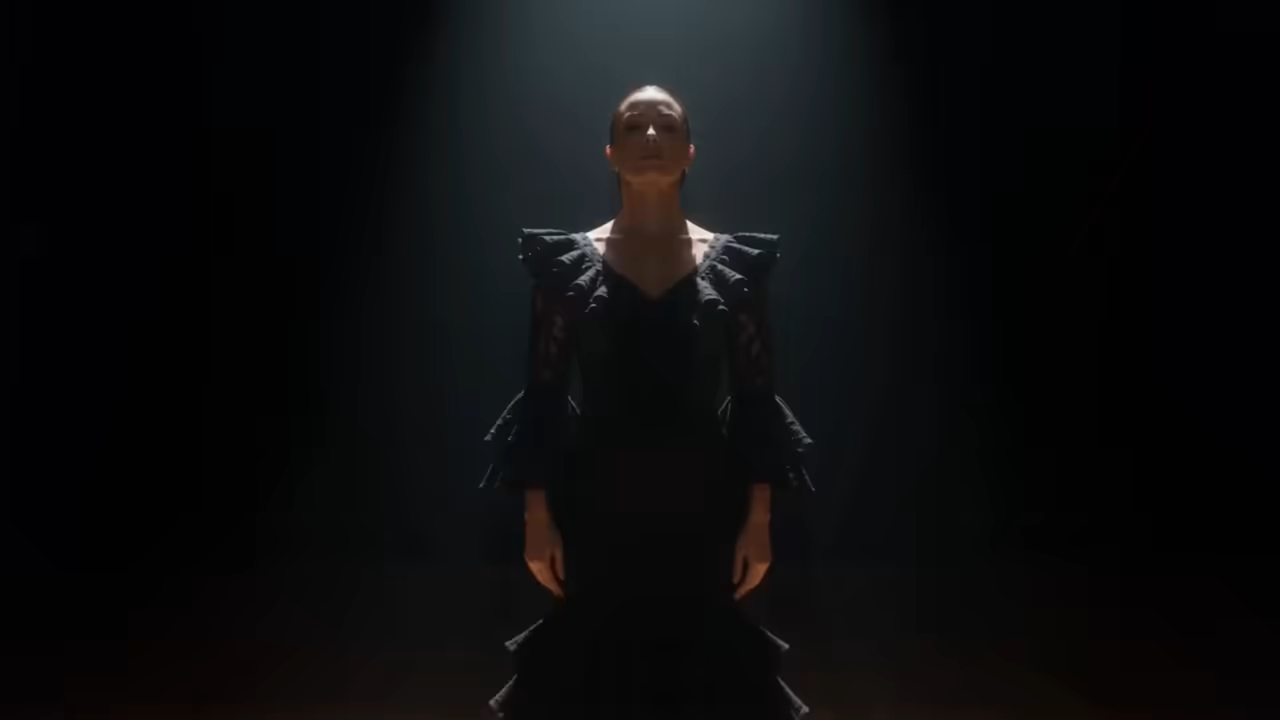
PixVerse v5.6
Enhanced video generation with improved motion and visual fidelity

PixVerse v5.5
Advanced video generation with effects and transition support
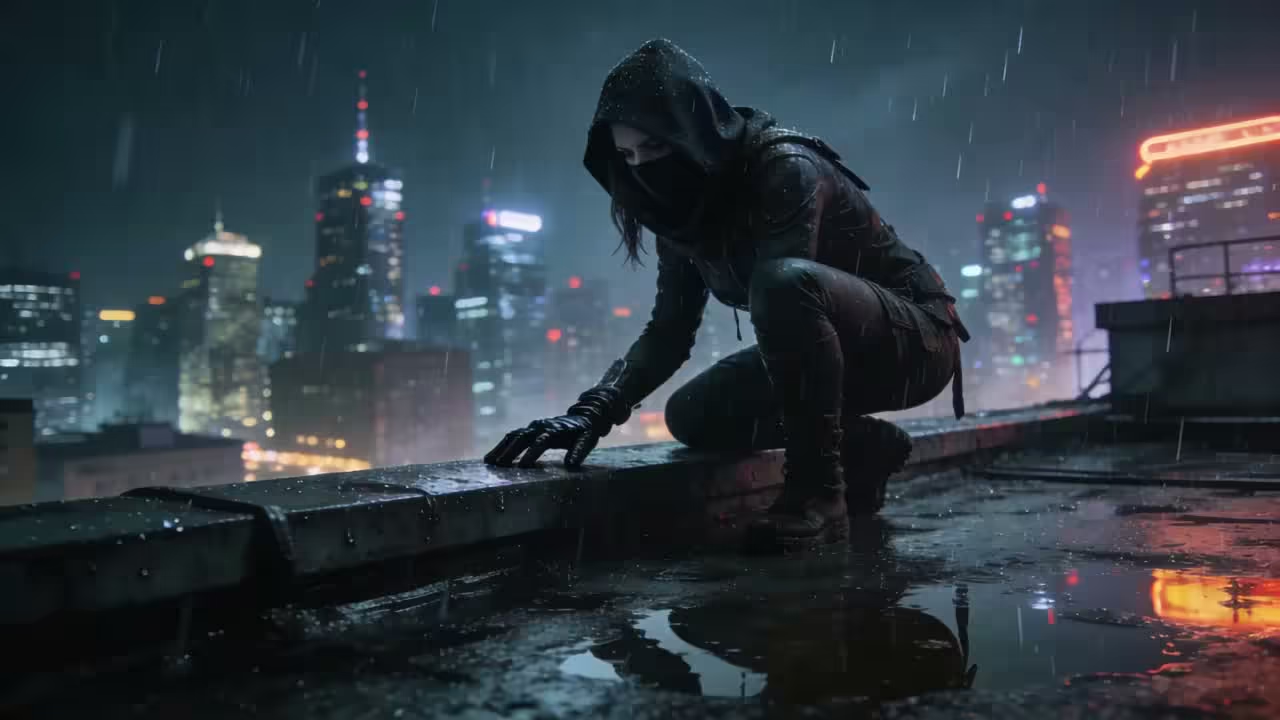
PixVerse v5
High-quality text-to-video and image-to-video generation
PixVerse C1 Video Showcase
Explore PixVerse C1's film production capabilities — text-to-video, image-to-video, reference-to-video, and transitions.
AI Video
Street Magician
A charismatic street magician performs on a rainy Paris sidewalk at dusk, with cinematic slow-motion and warm bokeh lights.
Prompt
“A charismatic street magician in a worn velvet coat performs on a rainy Paris sidewalk at dusk. A small crowd watches as he produces a glowing golden coin from thin air. A skeptical little girl pushes to the front, arms crossed. He crouches to her level, winks, then reaches behind her ear — pulling out not a coin, but a tiny living butterfly. The girl's expression melts from suspicion into pure awe. Shallow depth of field, warm bokeh lights, slow-motion butterfly release, cinematic.”
PixVerse C1 YouTube Videos
Watch tutorials and reviews showcasing PixVerse C1's film production capabilities
- PixVerse C1 is live—our first model built for film production. - PixVerse
- PixVerse C1: From Storyboard to Screen in Seconds - Blue Lightning AI Daily
- 重磅AI新闻:开源视频生成模型HappyHorse01碾压Seedance2.0, Yoroll交互式AI游戏生成工具,PixVerse C1影视大模型,Claude Mythos Preview - 小薇官方频道
PixVerse C1 YouTube Videos
Watch tutorials and reviews showcasing PixVerse C1's film production capabilities
PixVerse C1 Popular Reviews on X
See what people are saying about PixVerse C1 on X (Twitter)

Huge step for people who want to integrate video production as part of a workflow: $ pixverse create video --prompt "a parisian scene during a rainy day." You can now run the @PixVerse_ CLI or integrate with their API: • JSON outputs • Asynchronous generation • Really easy Show more
Reel · Specifications
What's PixVerse C1
First AI video model purpose-built for professional film production
- · 011080pMax Resolution
- · 0215sMax Duration
- · 037Reference Images
- · 0420+Camera Controls
PixVerse C1 is PixVerse's first AI video model built specifically for film production, combining an industrial-grade action engine, cinematic VFX system, and reference-guided multi-shot generation into a single model.
Reel · Capabilities
PixVerse C1 Key Features
Explore PixVerse C1's film production capabilities including reference-guided generation, cinematic VFX, and industrial-grade action choreography
- Feature 01 / 08
Reference-Guided Generation
Upload up to 7 reference images as characters, objects, or backgrounds. Tag each as subject or background for precise compositing with @ref_name syntax in prompts.
- Feature 02 / 08
Industrial-Grade Action Engine
Close-combat choreography, high-velocity motion, and complex object interactions rendered with consistent spatial relationships and physical weight throughout scenes.
- Feature 03 / 08
Cinematic VFX System
Particle and lighting effects, fluid dynamics, atmospheric environments, and physically accurate visual effects that meet professional film production standards.
- Feature 04 / 08
20+ Camera Techniques
Professional camera controls including overhead crane shots, slow dolly-ins, tracking shots, push-ins, and more for authentic cinematic storytelling.
- Feature 05 / 08
Native Audio-Visual Output
Generate synchronized audio alongside video including background music, sound effects, and ambient sound — no separate audio production required.
- Feature 06 / 08
Character Consistency
Maintain character appearance, costume, and identity across multiple shots. Tested to hold reliably across 6-shot storyboard sequences and 10-second fight scenes.
- Feature 07 / 08
Storyboard to Video
Convert static storyboard panels into continuous video sequences with automatic scene segmentation, transition logic, and coherent motion between shots.
- Feature 08 / 08
Flexible Output Options
Generate videos from 360p to 1080p resolution, 1-15 seconds duration, with 8 aspect ratios including ultrawide 21:9 for cinematic letterbox format.
How to Use PixVerse C1 Reference-to-Video
Generate character-consistent videos using reference images with PixVerse C1
Upload Reference Images
Upload 1-7 reference images and tag each as subject or background. Name each reference for @ref_name syntax in your prompt.
Pricing · Choose Yours
Flexible AI Pricing
Pay-as-you-go credits or subscription plans. No hidden fees, cancel anytime.
One Time supports crypto payment (BTC, USDT, ETH, 350+)
Monthly billing